Turtle Gadget Turtle graphics. For 32 bit PC.
Turtle Gadget Turtle graphics. For aarch 64 bit Linux.
Turtle Gadget Turtle graphics. For AMD 64 bit Linux
Turtle Gadget Turtle graphics. For Arm 32 Linux.
Turtle Gadget Turtle graphics. For Arm6hf Linux.
DOCUMENTATION
Turtle Gadget Examples
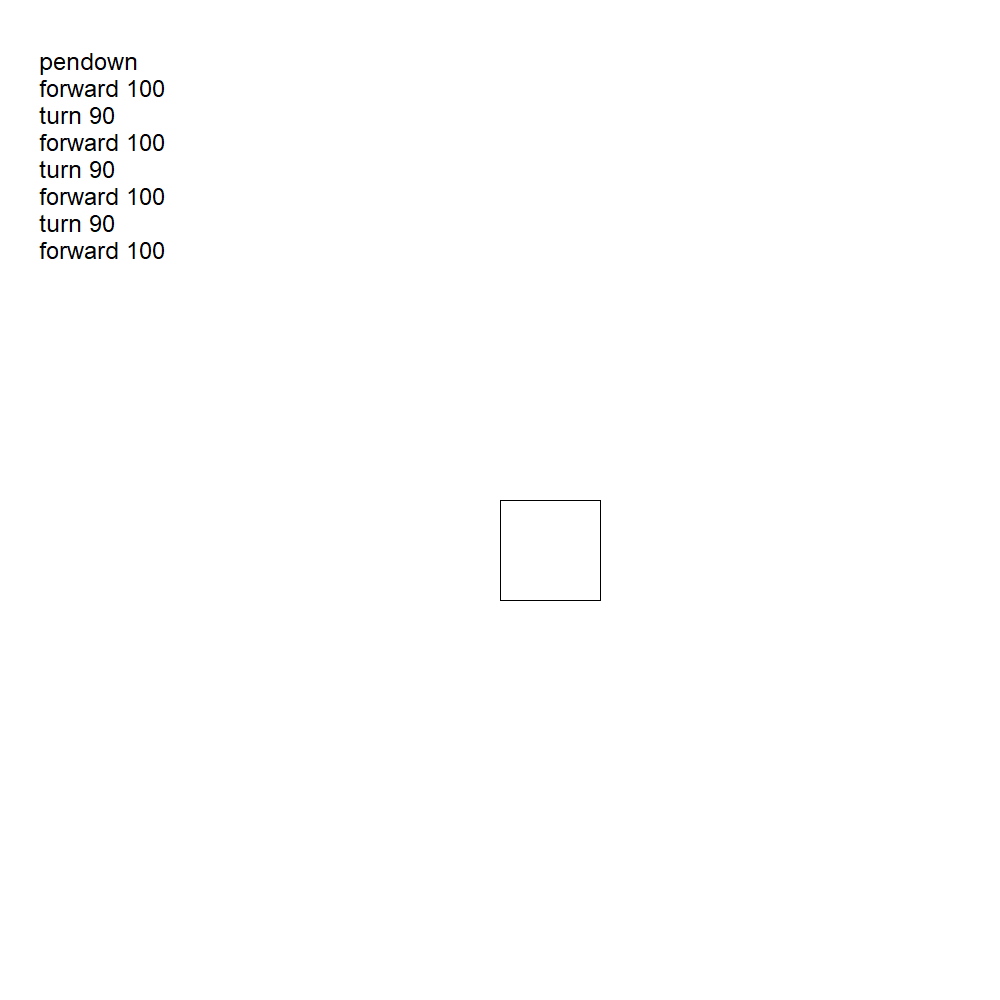
Example 1. A square.
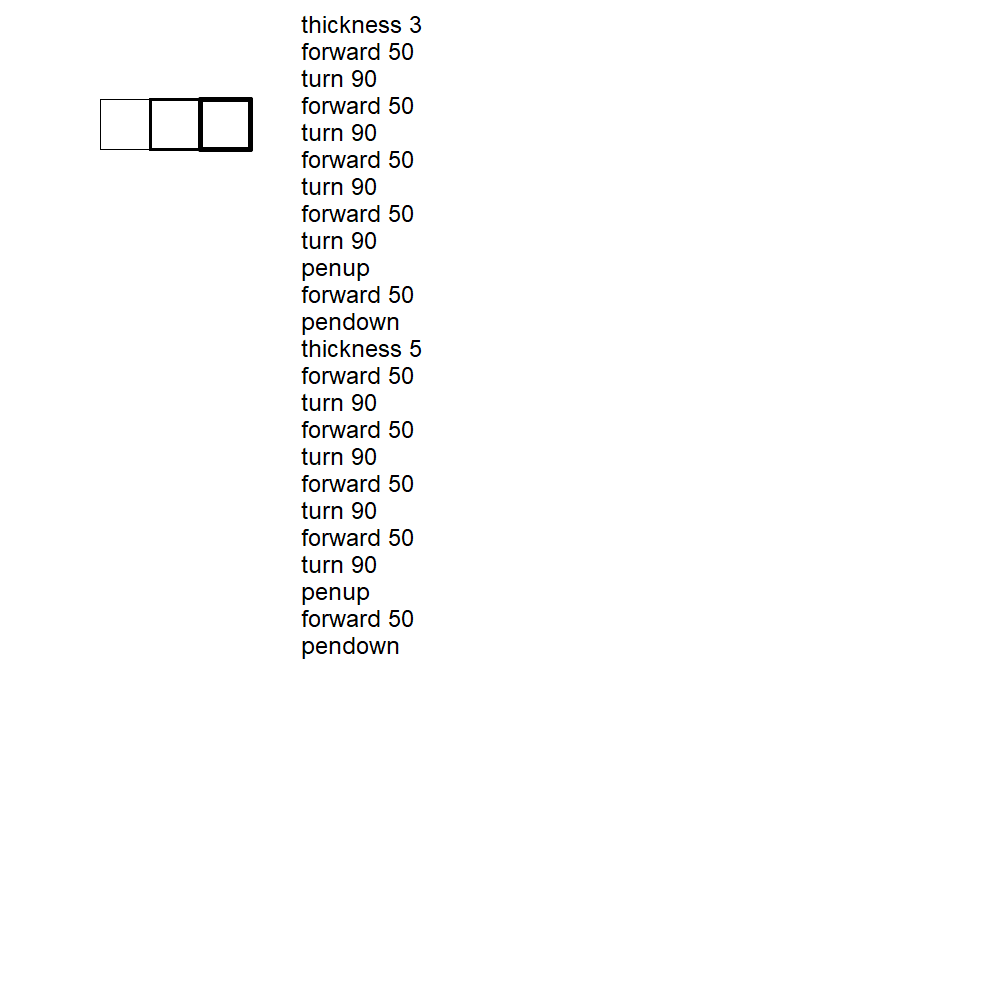
Example 2. 3 squares.
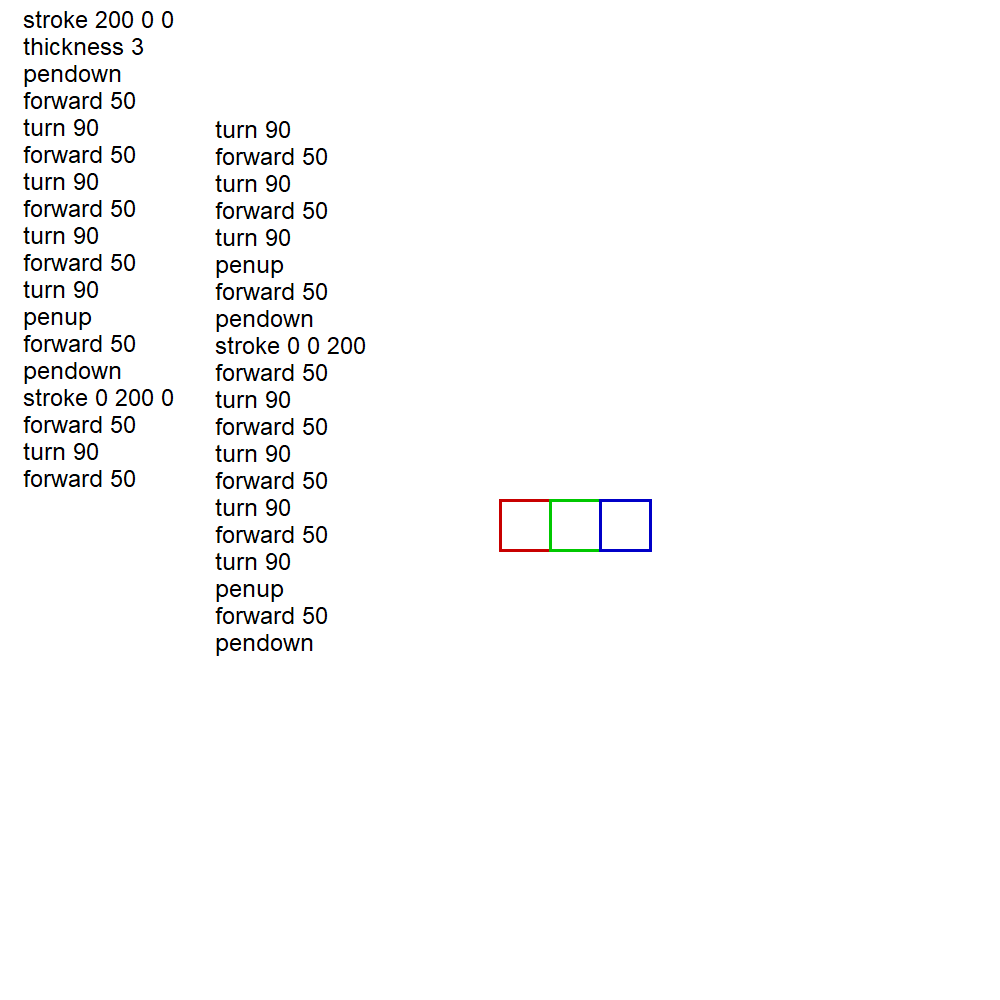
Example 3.
Three coloured squares.
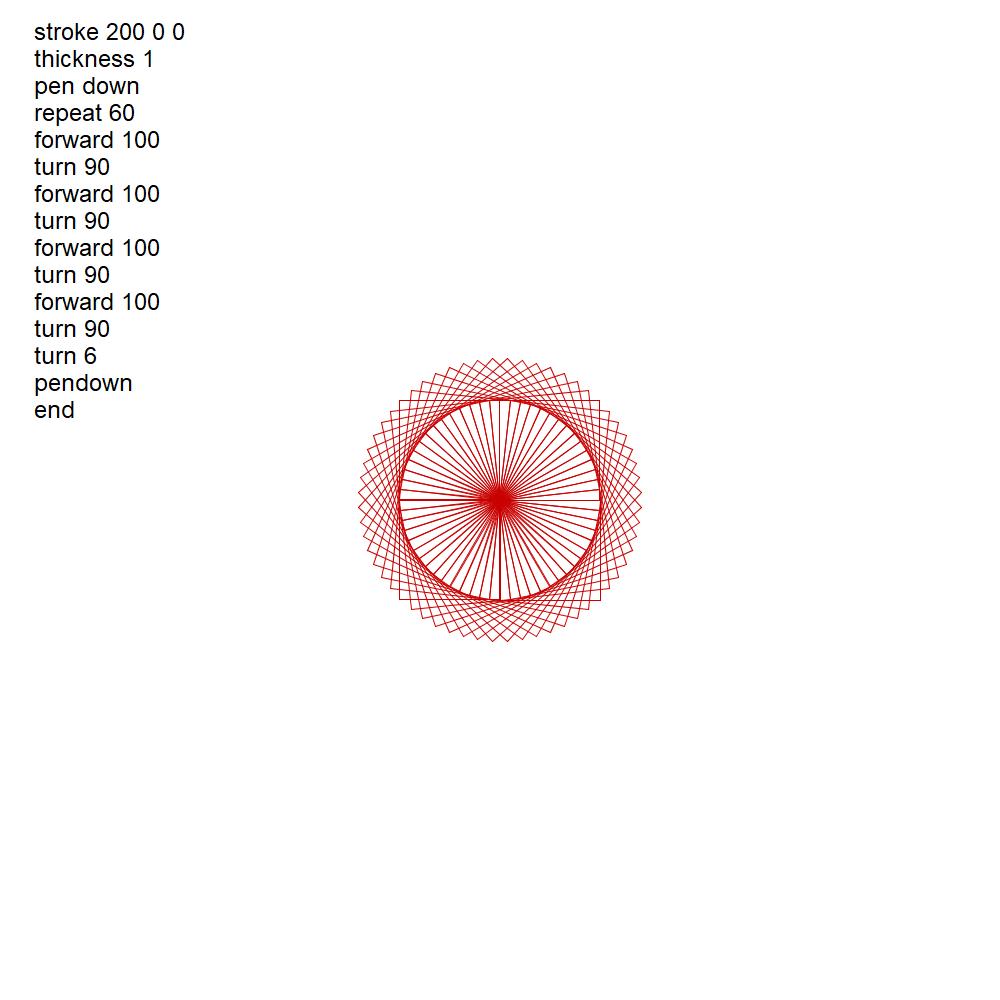
Example 4.
Rotated squares.

Example 5.
Rotated squares.
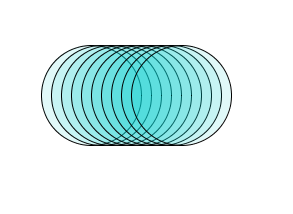
Example 6.
Translated circles.
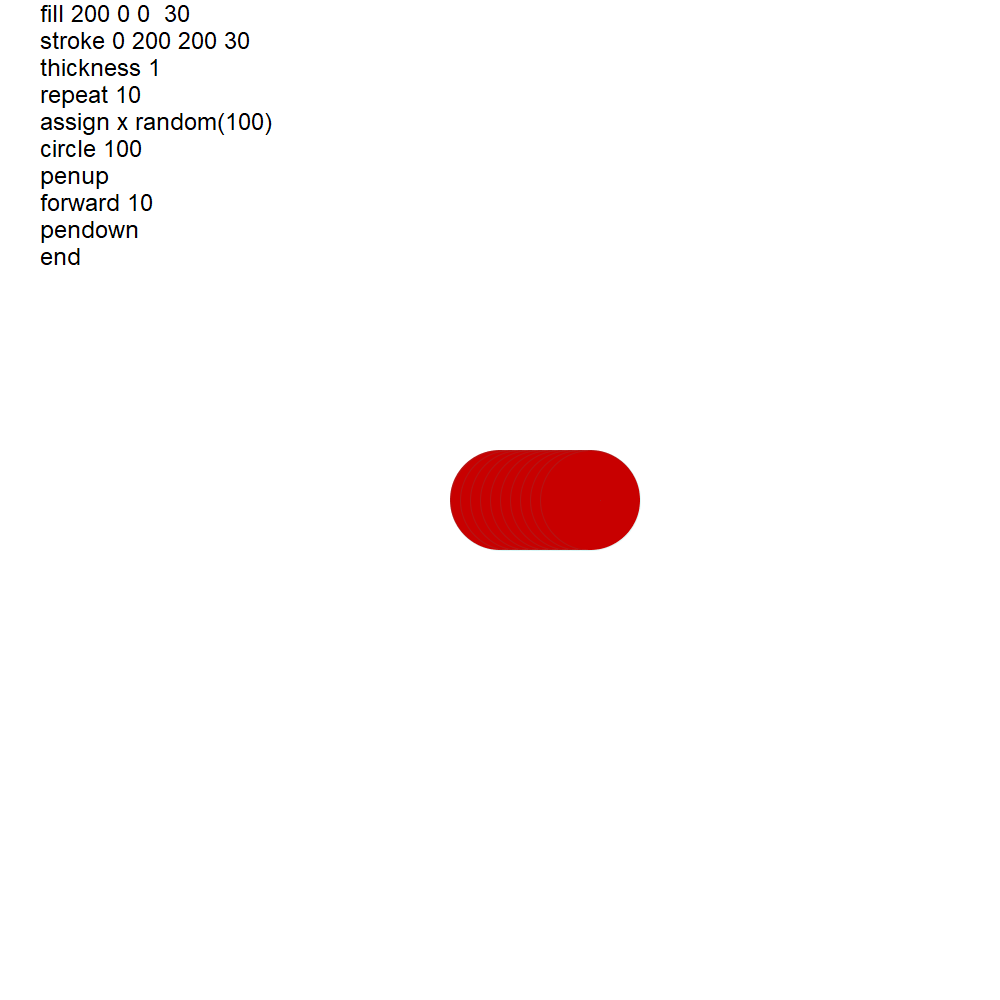
Example 7.
Artwork with random elements.
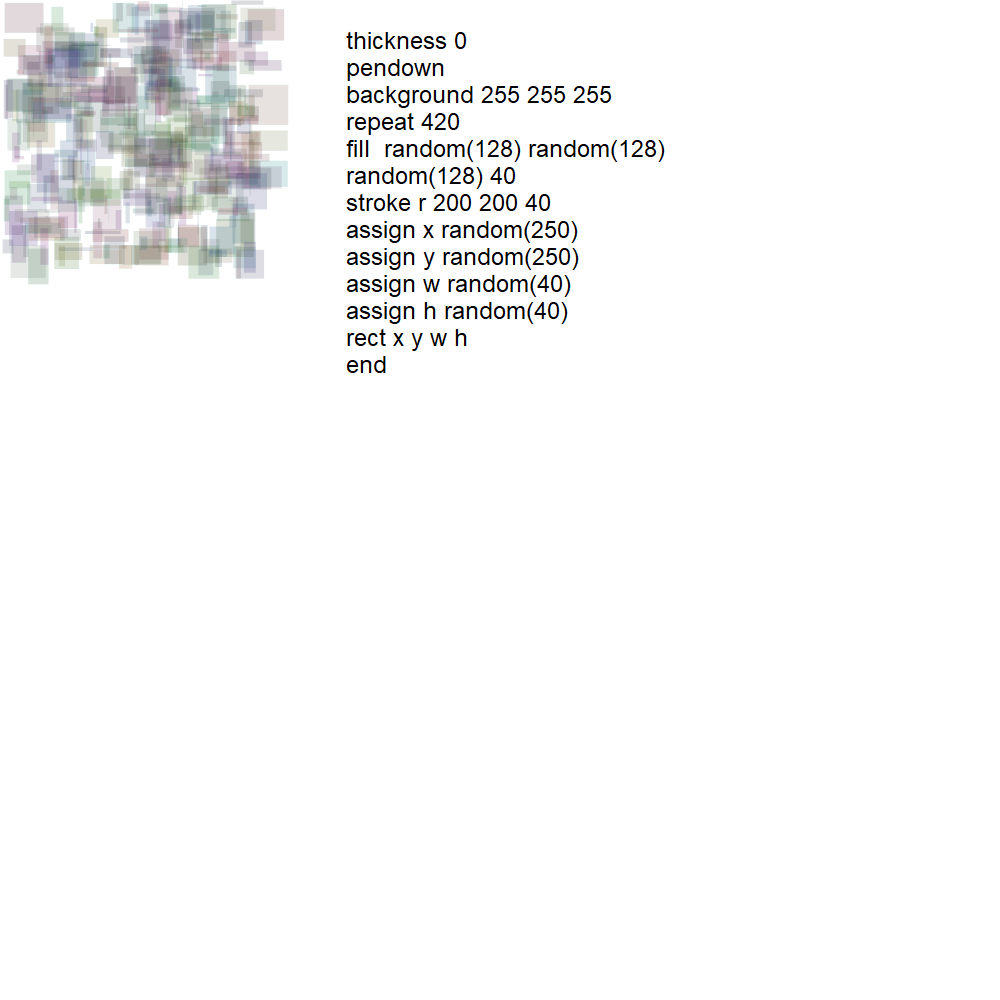
Example 8.
Artwork with random elements.
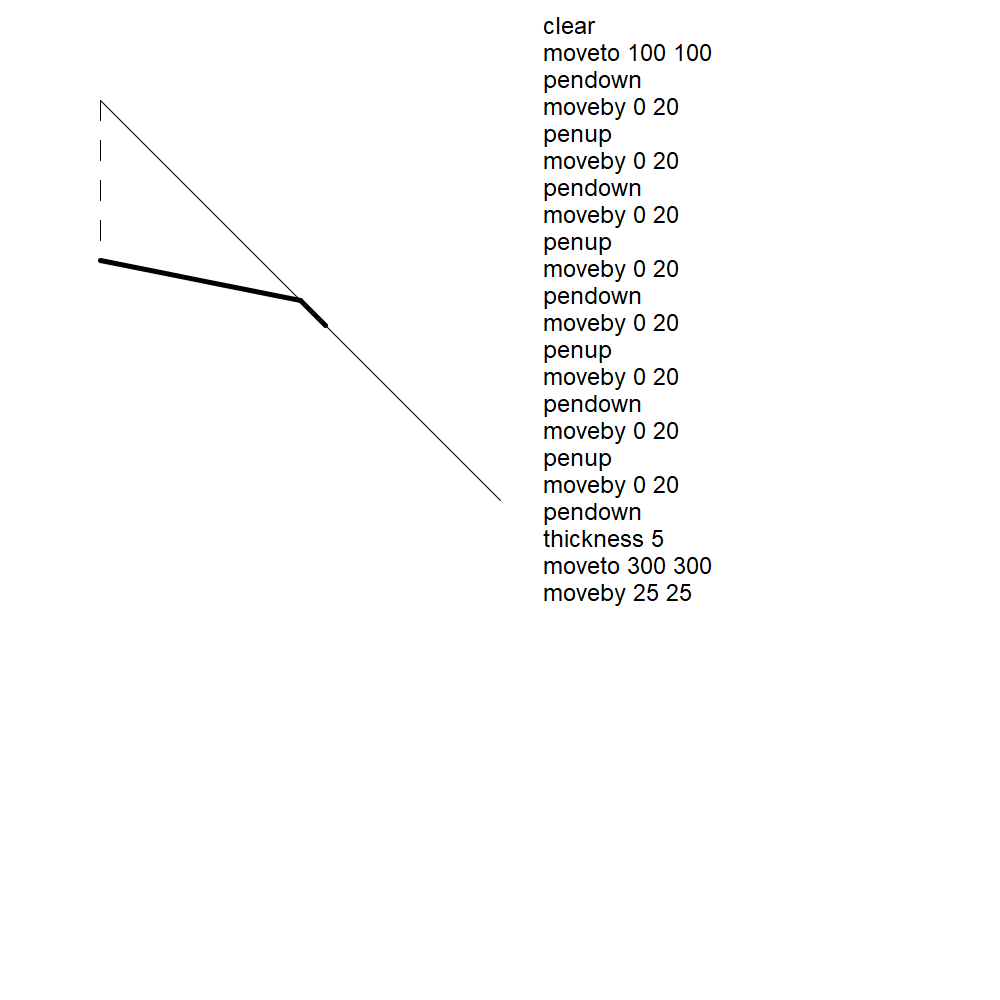
Example 9.
Example lines.
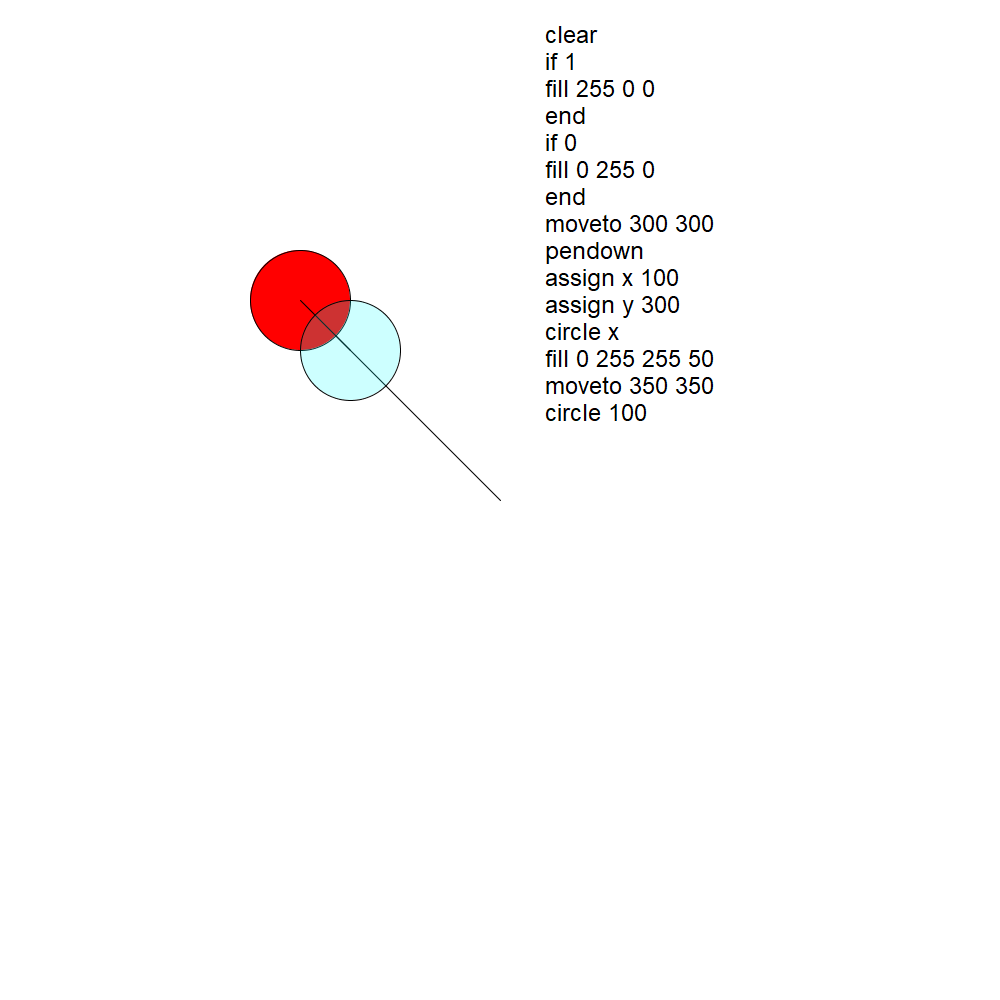
Example 10.
Circles and transparency.
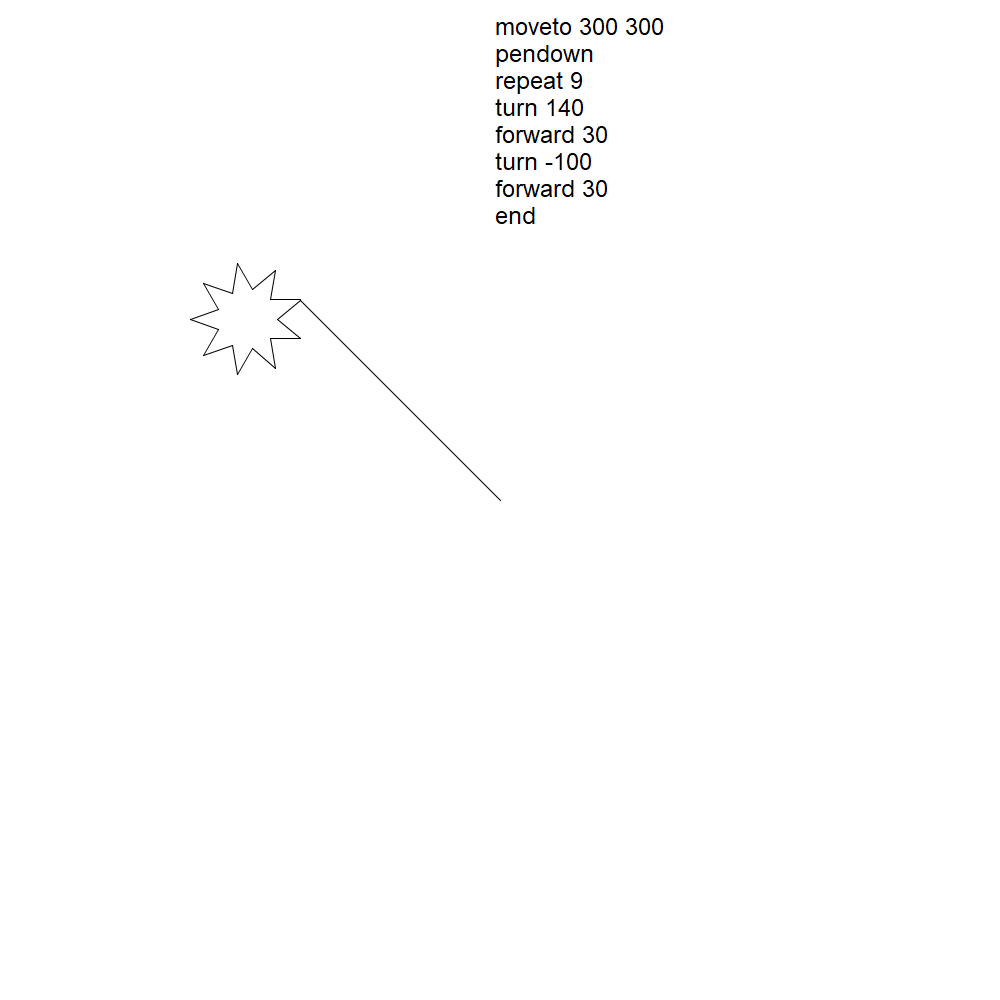
Example 11.
Star and line. Note that moveto puts the pen down.
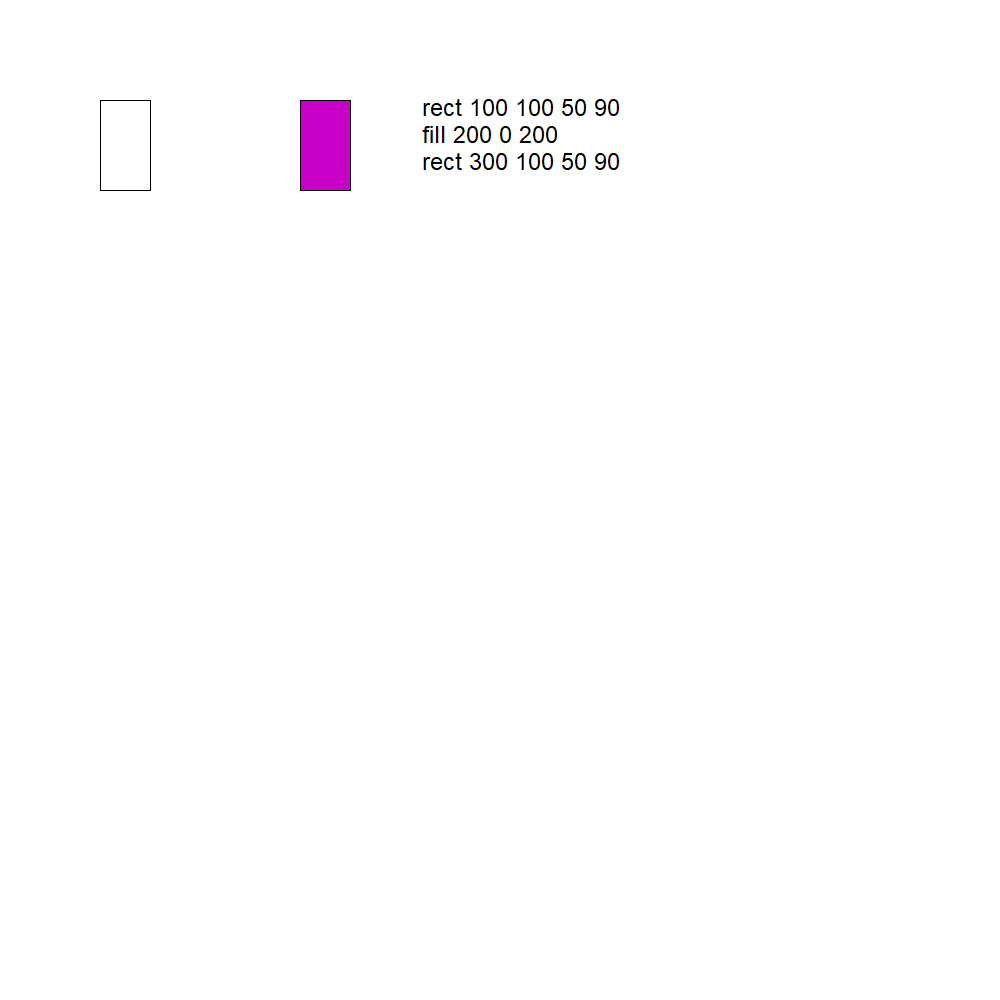
Example 12.
Rectangle.
Gadget project web page.
Assignments
Assignment 2 - Digital and Non-Digital
Assignment 2 PDF. You are an art student, and so likely have a small collection of your own drawings and paintings as a portfolio. The first step in this assignment is to select a drawing from these works, or to create a new drawing specifically for this assignment. Call this image 1.Now scan this work, producing an image, preferably in .png format. Call this image 2.
Now you are to reproduce this work in digital form, using Paint or Photoshop or some drawing software of your choice. This reproduction should be a faithful as possible. Call this image 3.
1. Create a grey level histogram for images 2 and 3, and histograms of each colour channel.
- How well do they agree? of image 2 (https://pinetools.com/image-histogram)
- Perform a histogram equalization on both images and repeat this analysis. What happened to the scanned image and why?
- Can they be made to agree better using contrast and/or brightness tools?
2. Divide the images 2 and 3 into 4 parts using centres in X and Y. Repeat the histogram analysis for all parts.
3. Describe the process involved in scanning the line image. For example, for my drawing I scanned on the Art department general scanner, which produces PDF as a result; I then converted that into a PNG. What was the result of scanning the lines in the drawing? Visually compare image 1 and image 2 – are there visual di??erences in colour? Describe those.
Describe the advantages and disadvantages of traditional methods VS digital methods for any set of criteria that you decide is important.
Assignment #1. Cross-stitch. >
Assignment specification
Here are some ideas you can use for your pattern. You may use whatever you like.
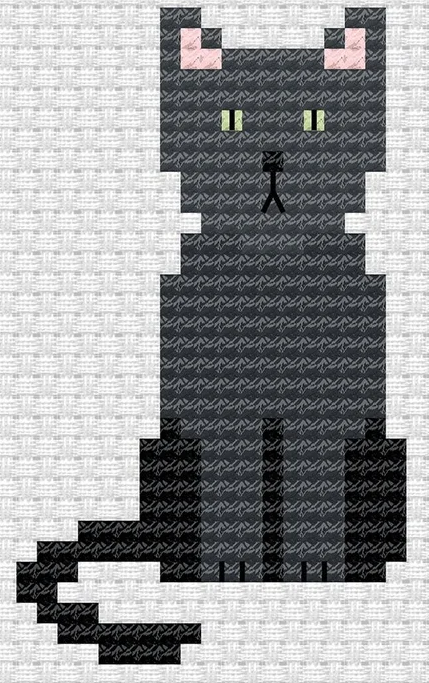 p1 Cat p1 Cat
|
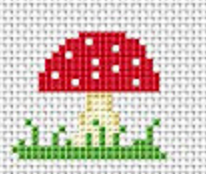 p2 Mushroom p2 Mushroom
|
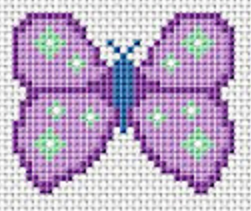 p3 Moth p3 Moth
|
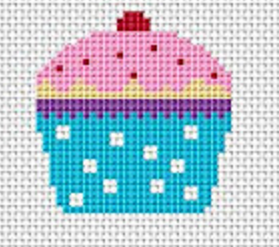 p4 Cake p4 Cake
|
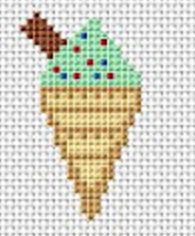 p5 Cone p5 Cone
|
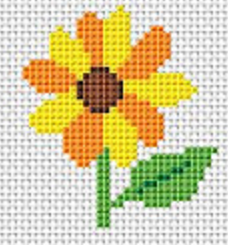 P6 Flower P6 Flower
|
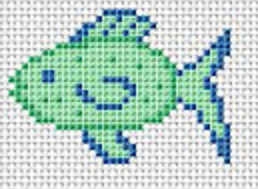 P7 Fish P7 Fish
|
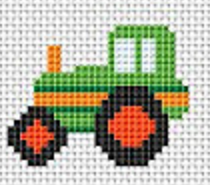 p8 Tractor p8 Tractor
|
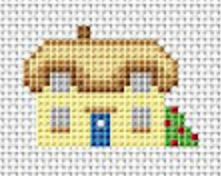 p9 House p9 House
|
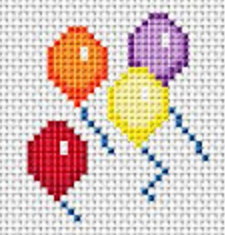 p10 Balloons p10 Balloons
|
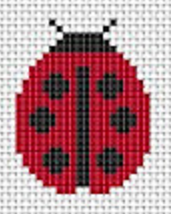 p11 Ladybug p11 Ladybug
|
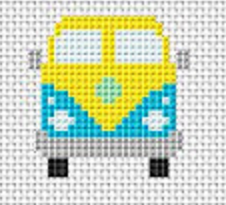 p12 Bus p12 Bus
|
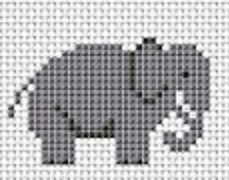 p13 Elephant p13 Elephant
|
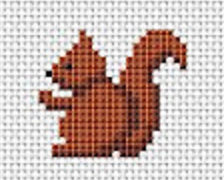 p14 Squirrel p14 Squirrel
|
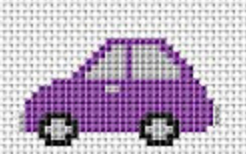 p15 Car p15 Car
|
Remember, you can make your own pattern. Here are some interesting tools for making your own patterns:
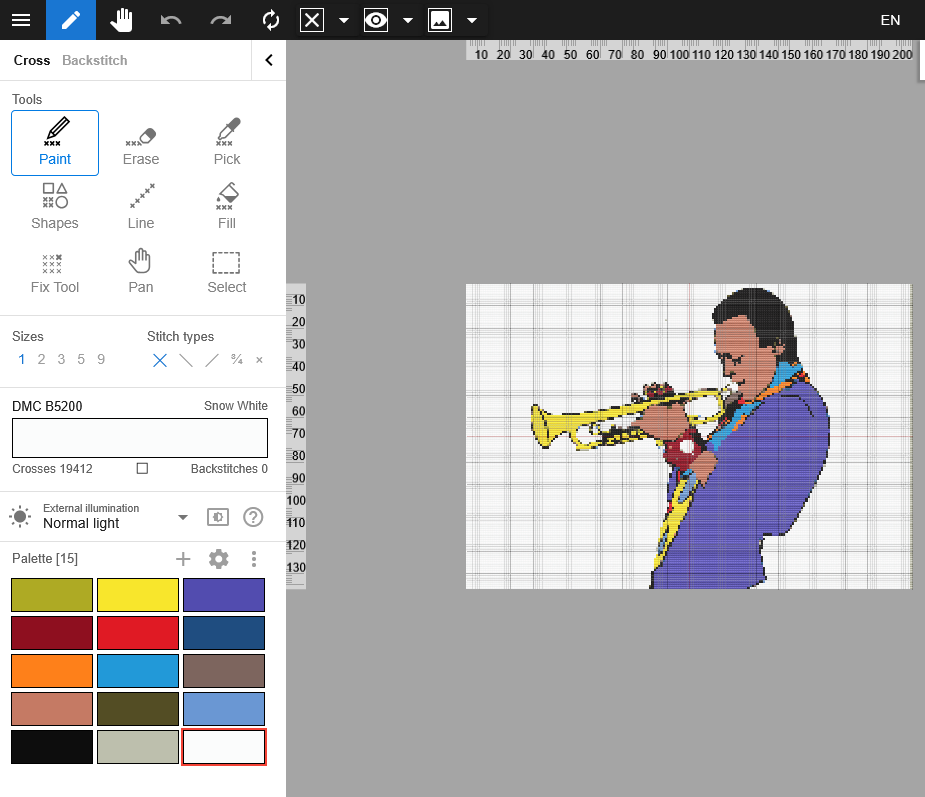 Floss cross PC
Magic Needle (iPhone)
Xstitching Android
Stitchly (online) Android and iPhone
Stitchfiddle (online)
Stitchboard (online)